Too many places
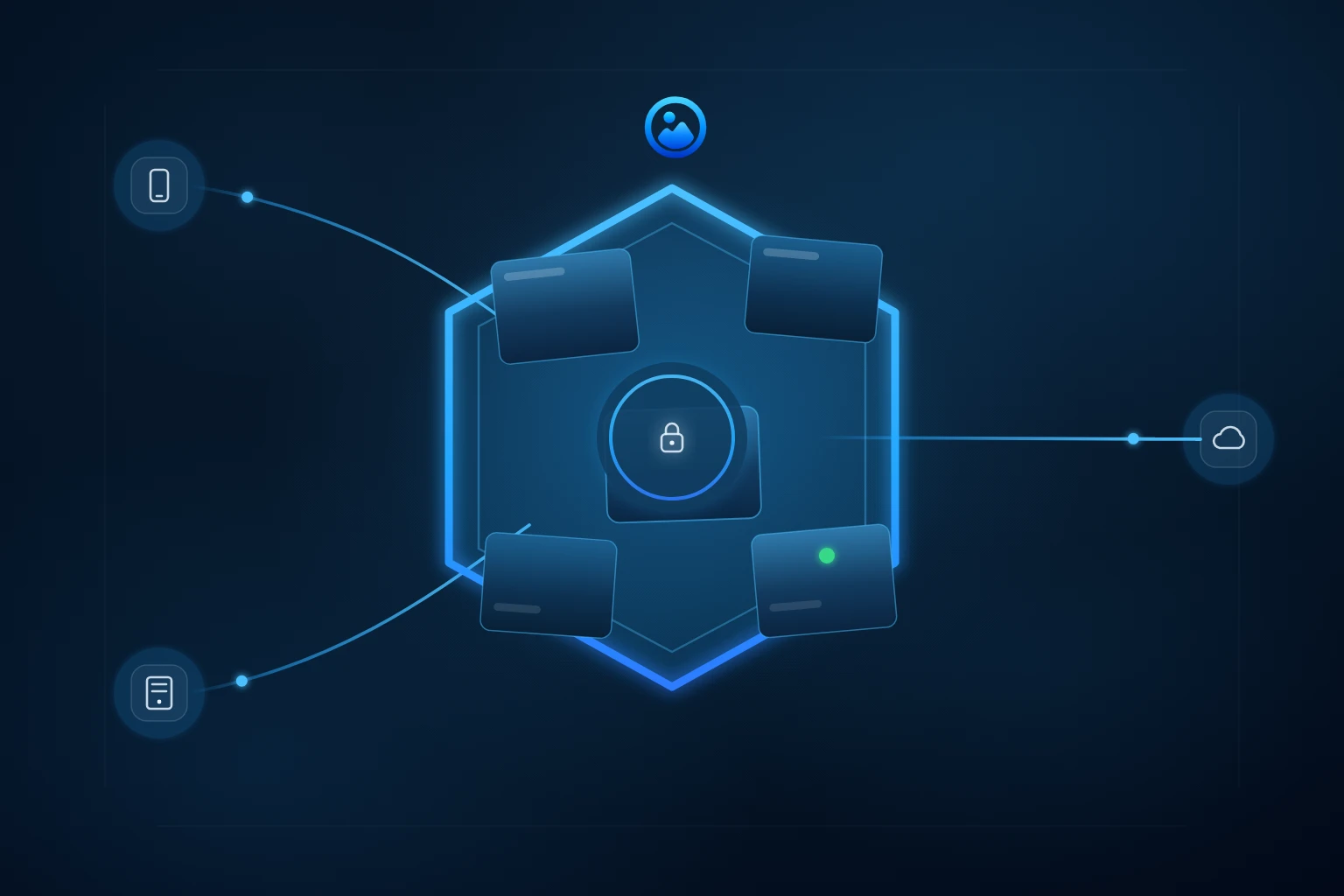
Photos are split between phones, chats, cloud libraries, drives, and folders.

A calmer first step for scattered family photos
AllPicture is being built for families whose scattered photos live across phones, WhatsApp, iCloud, Google Photos, old drives, and folders. Join the waitlist for occasional updates; no photo upload or library access is needed.
No photo upload · No library access · No advertising
Photos are split between phones, chats, cloud libraries, drives, and folders.
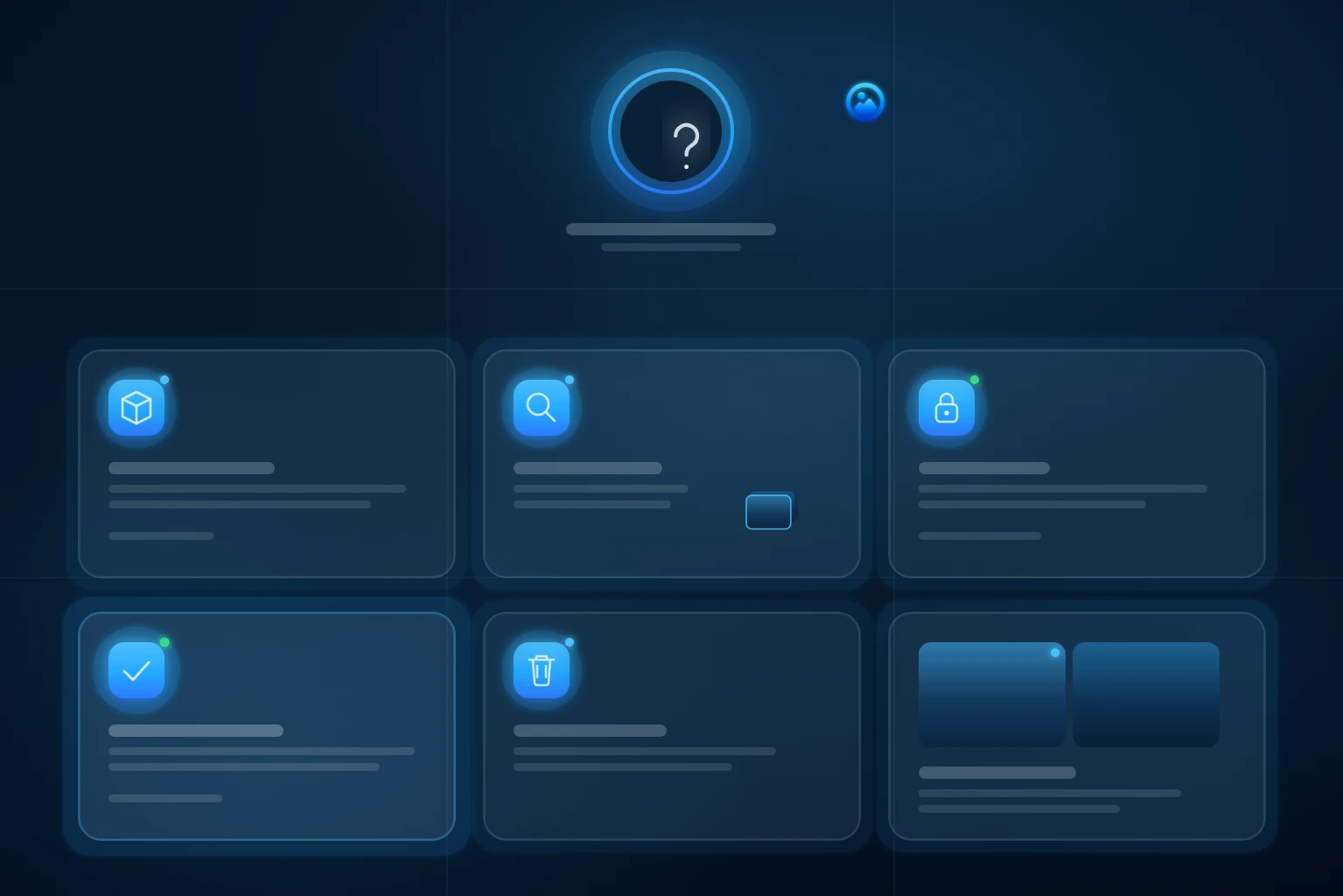
Deleting or merging anything feels risky when you cannot see every original.
Duplicates and near-duplicates hide the version your family actually wants to keep.
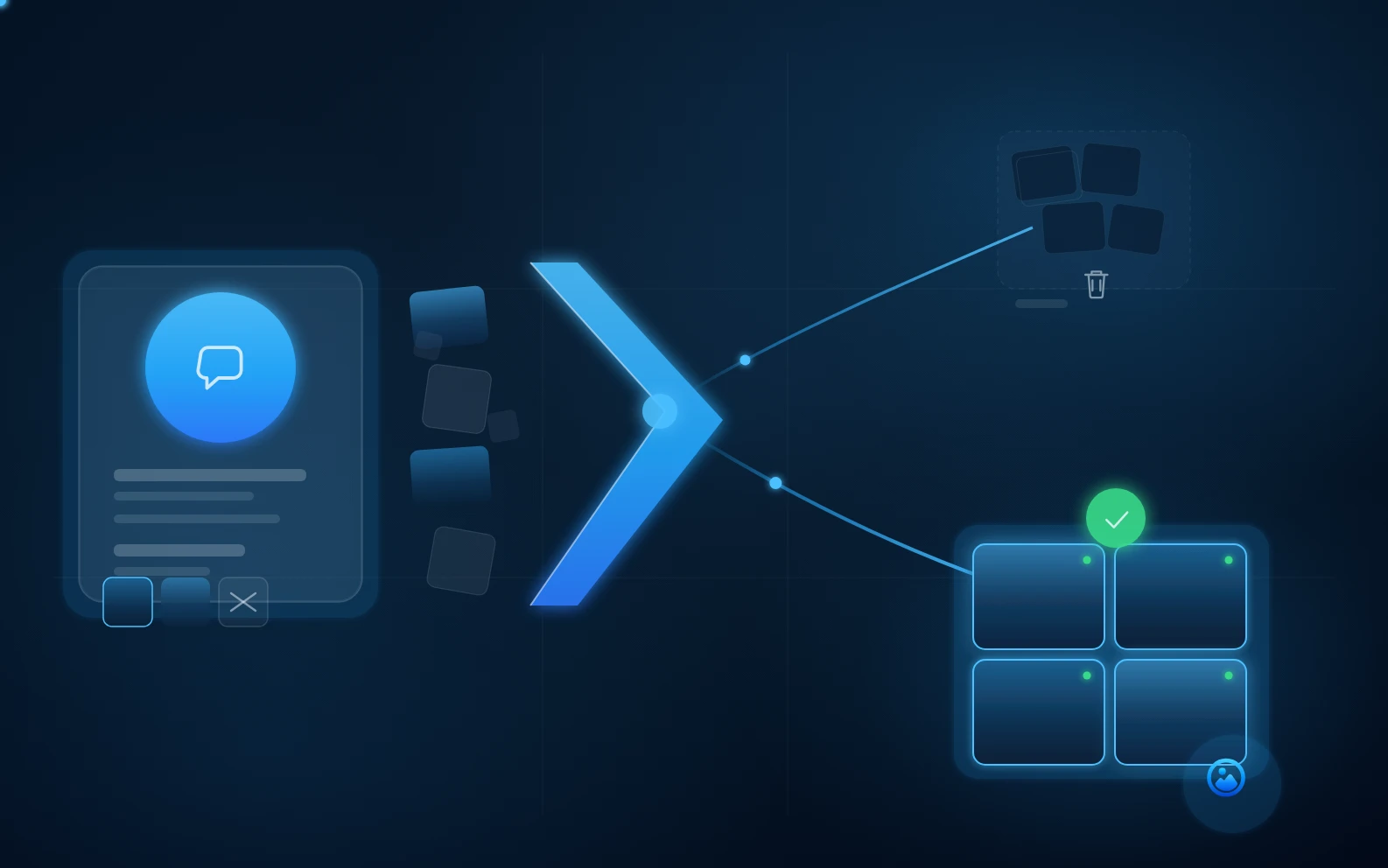
The planned journey starts with understanding the library, not deleting from it.
Browse photo cleanup answersList the phones, chats, clouds, folders, and drives that may hold family originals.
See where partial copies, duplicates, screenshots, and uncertain backups make the archive hard to trust.
Review changes with originals and current backups still in place.

The intended journey
This preview explains the direction AllPicture is being built toward: map where memories live, make overlaps visible, and keep every cleanup decision reviewable.
Protection and processing depend on the feature, device, and upload path. Review the privacy information before enabling a feature.
Answer-first pages for high-intent searches about duplicates, WhatsApp clutter, private AI, huge libraries, old drives, and cancellation safety.
Multi-source photo library cleanup
If your family photos are spread across Dropbox, iPhone, WhatsApp, iCloud, Google Photos, and a NAS, start with a simple inventory. List where photos live, note duplicate folders, identify missing date ranges, and choose one folder structure before deciding which tools or workflows belong in your photo organization process.
Read answerNo-upload family photo planning
Start with a source map before any upload: list phones, cloud libraries, WhatsApp folders, old drives, shared albums, and the cleanup decisions that feel risky. AllPicture is being shaped around this no-upload first step for controlled private-beta validation.
Read answerWhatsApp clutter cleanup
Do not clean WhatsApp media by blindly deleting a folder. First classify WhatsApp pictures by source, visual similarity, quality, and memory value, then hide or review clutter while keeping family photos and original versions safe.
Read answerA simple next step
Leave your email and, if useful, a rough photo count. We will send occasional updates about the private beta.